How It Works: Get Your VW Radio Code Fast
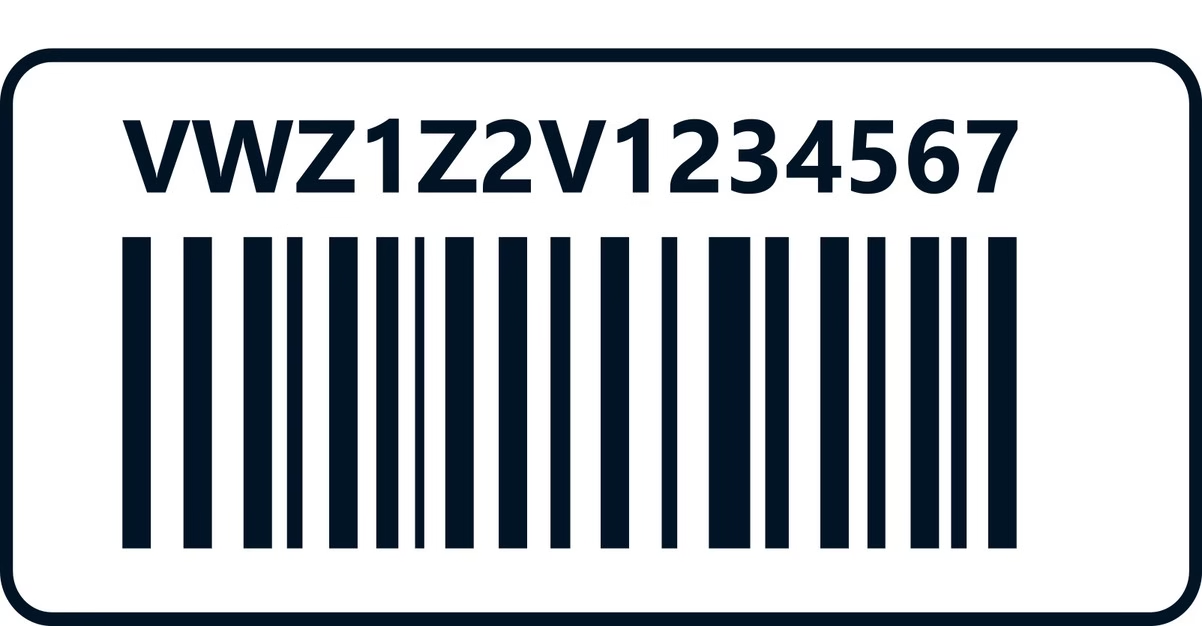
Skip the dealership hassle — unlock your Volkswagen radio from anywhere in 3 simple steps. Most OEM units use a serial printed on the radio label (example format: VWZ…).
3 quick steps
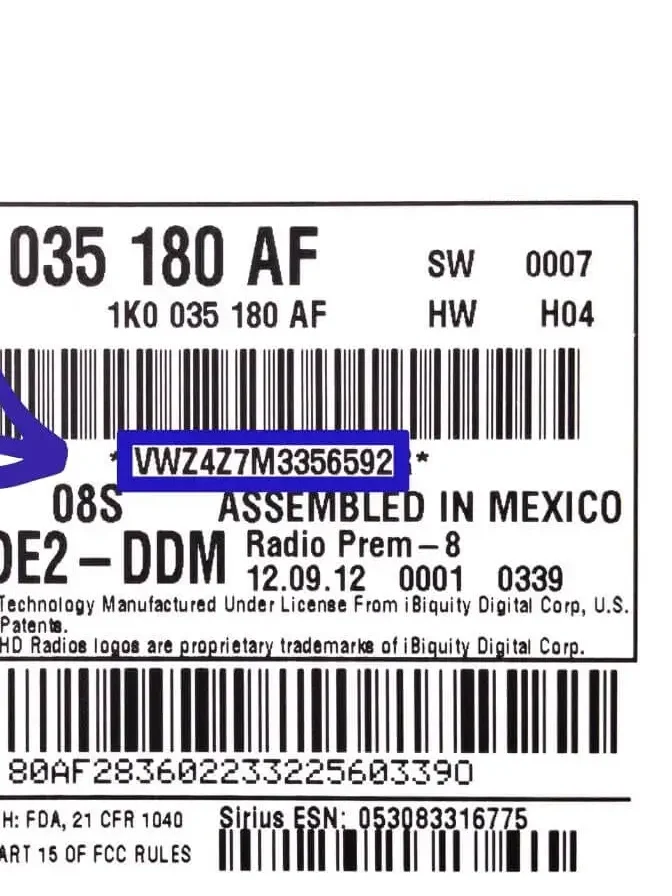
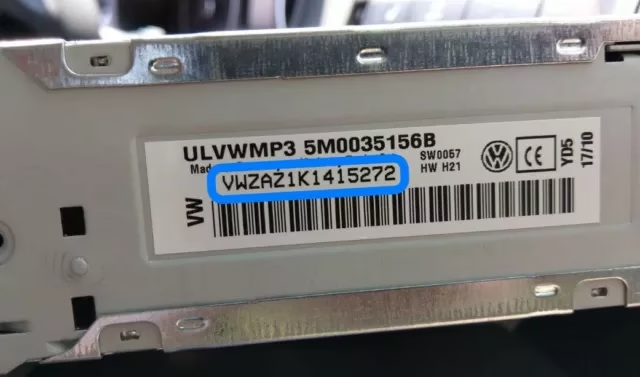
Simple & secure- Find the radio serial number on the unit label
- Use a trusted online lookup service (serial-based)
- Receive your unlock code and enter it on the radio
Serial display example
Photo reference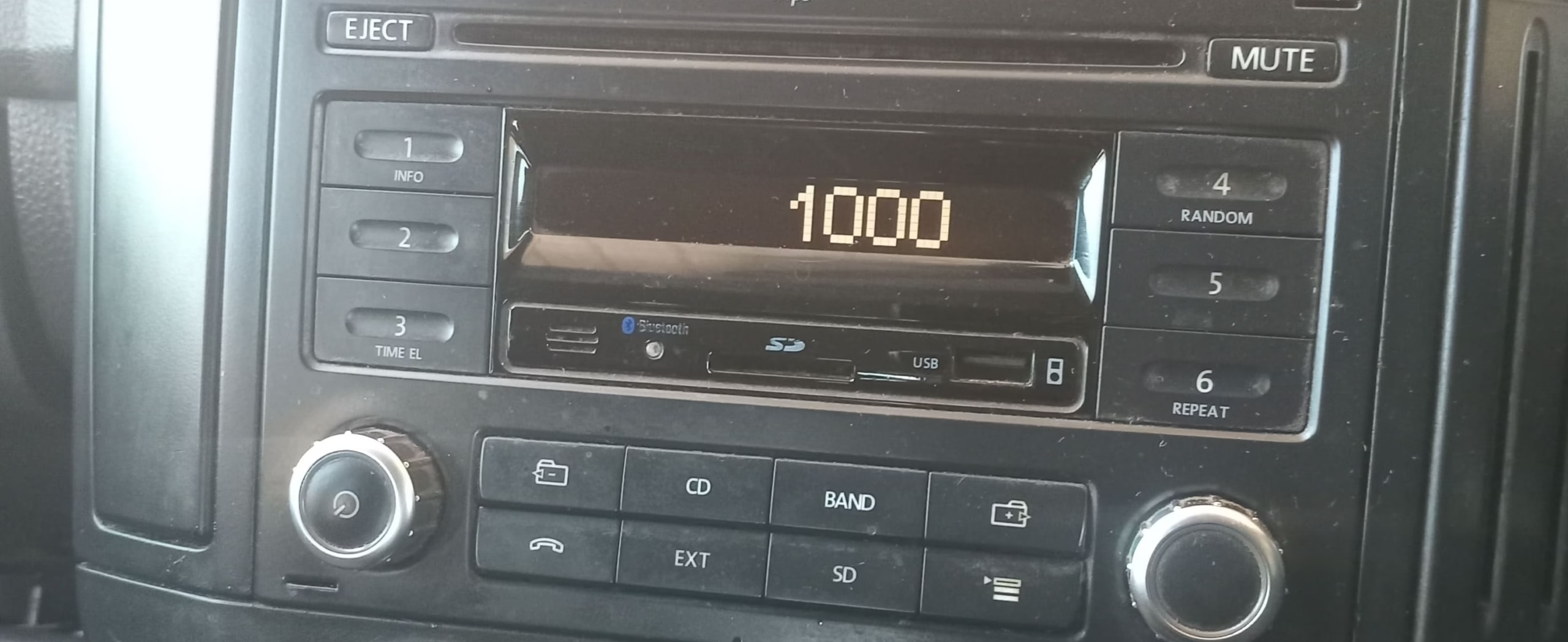
Why online lookup is popular
Faster than dealershipDealers often require visits + paperwork. Online serial lookup is quicker for most units.
Your code is linked to the radio unit — a clear label photo is the safest way to verify it.
If the radio was swapped, the label helps confirm the exact unit before retries.
Complete guide
Serial • Removal • Code entryLocating your serial number
The serial is printed on a white sticker attached to the side or top of the unit. Many VW radios use a 14-character serial that starts with VWZ (example: VWZAZ1N6251566).
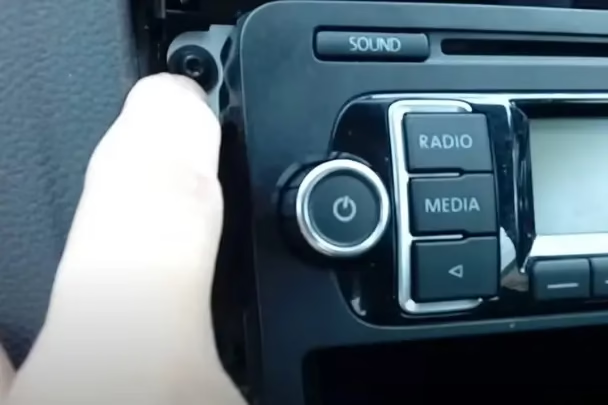
Radio removal procedure
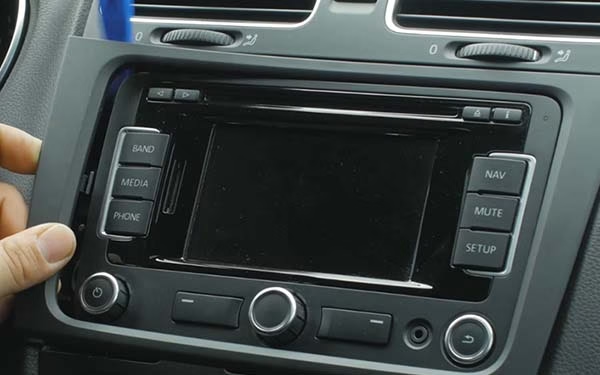
- Remove the trim around the unit (gently from the corners)
- Remove the 4 corner screws (often TORX T20)
- Slide the radio out just enough to read the label
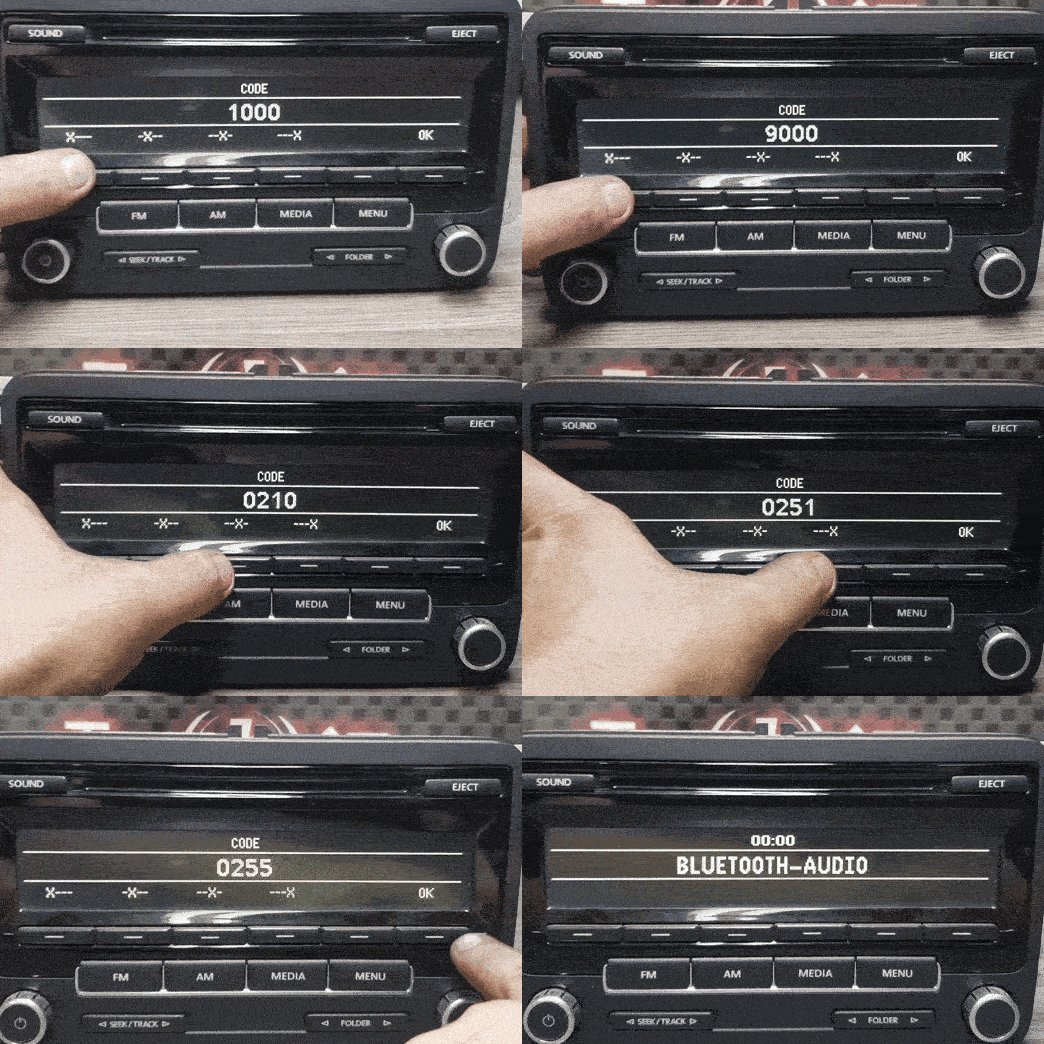
Code entry instructions
- Turn on the radio (screen shows SAFE or CODE)
- Use buttons 1–4 to set each digit
- Press & hold 5 or ▶ to confirm (varies by unit)
Watch this short YouTube example to see how a radio label can sometimes include useful unlock information.
Watch the YouTube Short →Frequently asked questions
Quick answersThe radio still displays “SAFE” after entering the code
If it still shows “SAFE”, the code wasn’t accepted (wrong digit or wrong unit). Double-check the serial from the label and re-check each digit before confirming.
Is the unlock code reusable?
Yes — the code is linked to your radio and can be used again after battery changes. Save it somewhere safe.
I haven’t received my code yet. What should I do?
Check Spam/Promotions. If it’s been over an hour, contact support with a clear label photo.